Tools
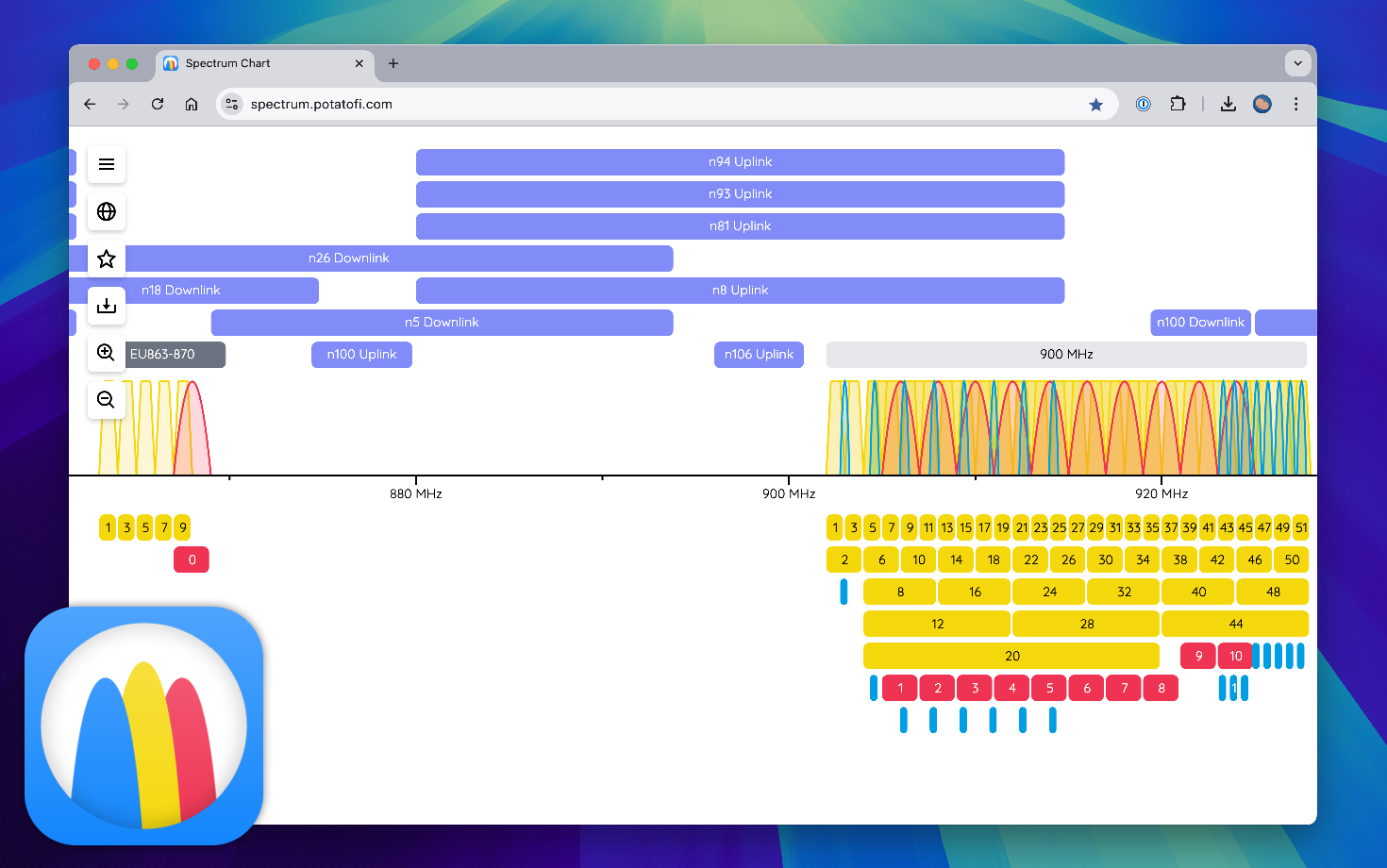
Interactive Spectrum Chart
The radio spectrum is a complicated place, far too complicated for static charts to accurately represent, so I made an interactive spectrum chart. With it, you can zoom in and out, pan across the spectrum, and turn various technologies and labels on and off. It’s fun for exploring, and maybe useful for training or quick reference.
- Web app: https://spectrum.potatofi.com
- Blog post: https://www.potatofi.com/posts/spectrum-viewer/
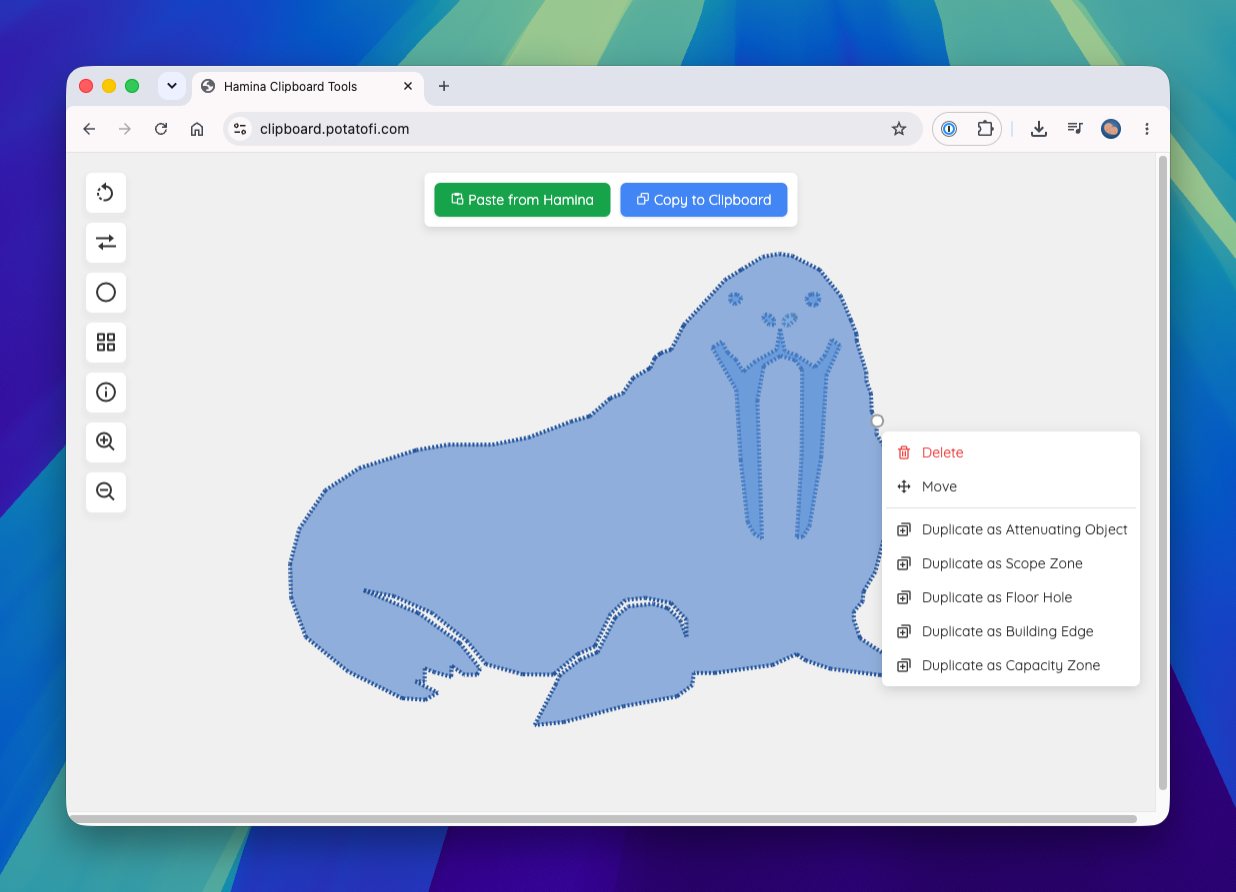
Hamina Clipboard Tool
Awhile back, I built a tool for rotating objects for Hamina Network Planner, and it evolved into the Hamina Clipboard tool that it is today. You copy things to the clipboard from Hamina, and then paste them into the Hamina Clipboard Tool to apply rotation or change the object type, and also generate circles and grids of APs or map notes.
- Web app: https://clipboard.potatofi.com/
- Blog post about Rotate, the precursor: https://www.potatofi.com/posts/hamina-object-rotate/
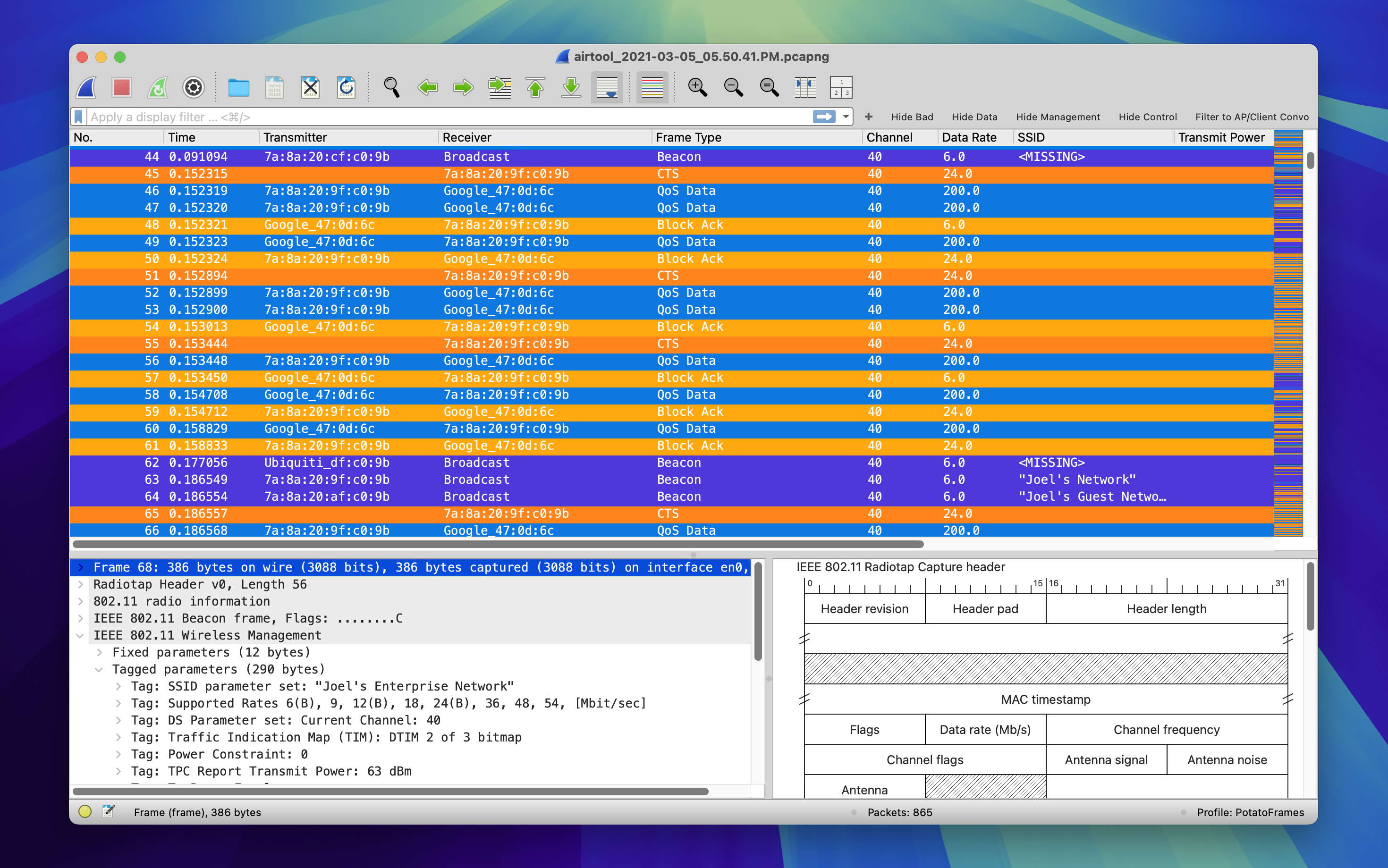
PotatoFrames for Wireshark
This Wireshark profile is designed to make Wi-Fi packet analysis simple and readable. It’s a fork of the MetaGeek Wireshark Configuration Profile, and is based on the original frame colors from MetaGeek Eye P.A., with significant updates being added with the release of MetaGeek Tonic (now MetaGeek Chanalyzer 6 the MetaGeek App).
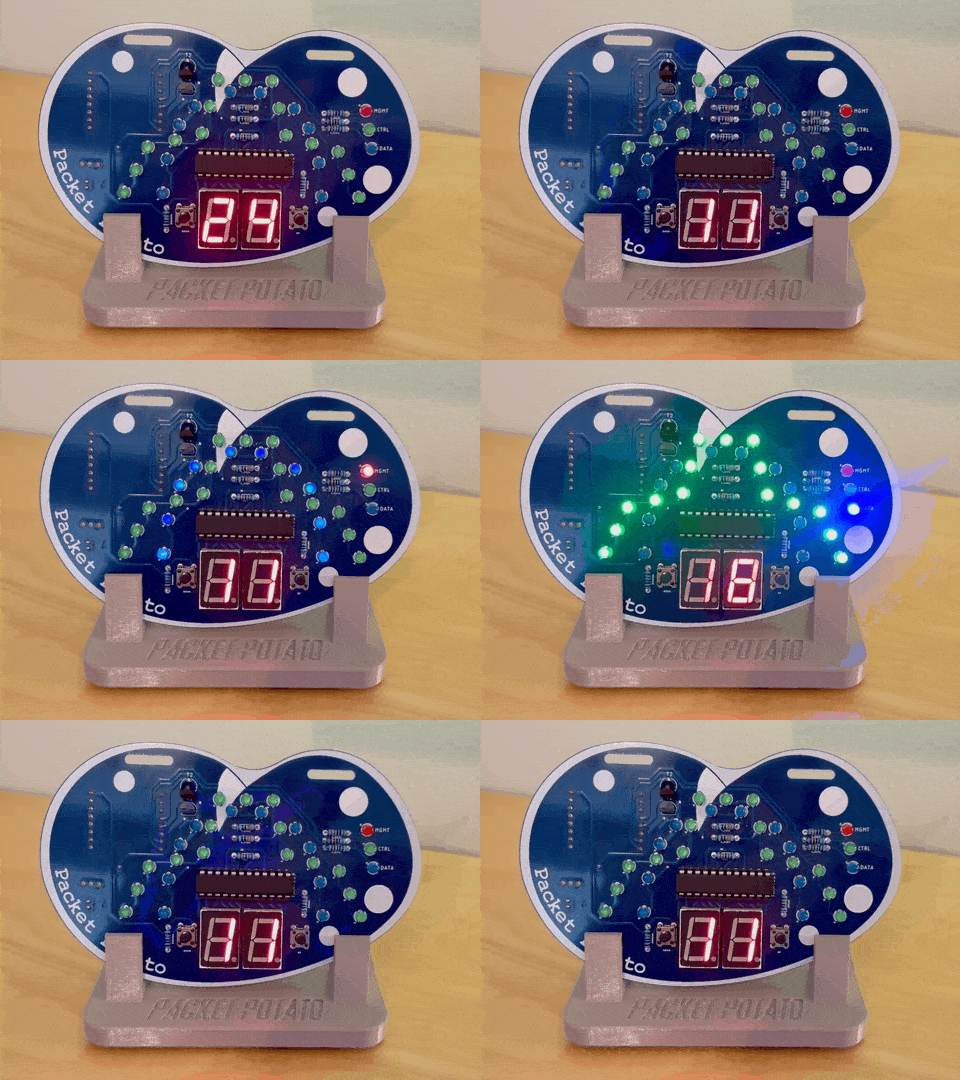
Packet Potato
A few years ago, I taught a soldering class at the Wireless LAN Professionals Conference. We needed a soldering project, and I thought it would be fun to have a badge for WLPC, so the Packet Potato was born. It’s either a really terrible packet analyzer, or a really terrible spectrum analzyzer (I’m not sure).
- Firmware, readme, and information: https://github.com/PotatoFi/Packet-Potato
- Printable stand: Printables